A user must select the subrecipient (not sponsor) associated with a Funding Proposal Subaward budget on the Subaward Budget Information view for Questions (Q)2.
If you are unable to find the subrecipient when searching in the list of available subrecipient organizations:
- Select TBD from the list of subrecipient organizations (Q.2 “Select the subrecipient”) when you click on ellipses (…)
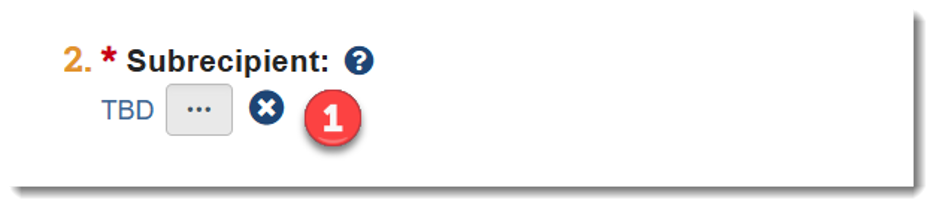
- The Administrative Contact on the Funding Proposal must submit a Huron Support: Subrecipient Request ticket requesting that a subrecipient be set up
- If the person creating the Funding Proposal is not the Administrative Contact be sure to let the Administrative Contact know that they need to submit a ticket
- Once the Huron Support: Subrecipient Request ticket is submitted, Division of Research staff will vet the information and create the subrecipient within two business days. The Administrative Contact is notified when the ticket is completed
- Prior to finalizing the Funding Proposal, the Administrative Contact must update the Funding Proposal Subaward budget with the correct subrecipient. Note: No proposals can be submitted to sponsor with a 'TBD Subrecipient' chosen
For additional information on how to select a subrecipient, see Quick Guide: Select the Correct Organization on the Huron Training Site.